Hi Team,
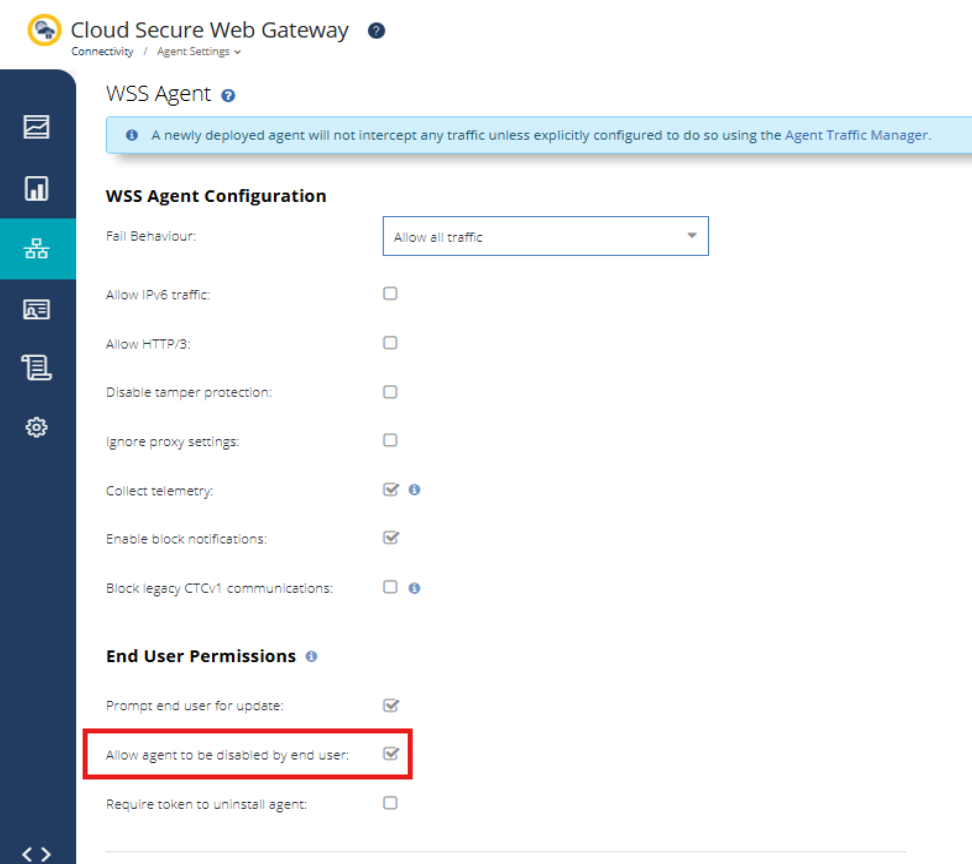
Need advice on how we can disable the tamper protection lock for SESC
Hi Asogan,As far as I understand, this is managed on the WSS portal and, unfortunately, globally.
Asogan Perumal, Thanks for using the Broadcom Community!In order to unlock that setting in the SES agent you'll need to log into your SES Cloud console: https://sep.securitycloud.symantec.com/v2/landingAnd then edit your Web and Cloud Access Protection Policy applied to the machine and then click on the padlock icon to "unlock" the policy and save your changes, so that you can make modifications to that feature from the SES agent/client. NOTE: Best,Russ_V